> For the complete documentation index, see [llms.txt](https://docs.parcellab.com/docs/llms.txt). Markdown versions of documentation pages are available by appending `.md` to page URLs; this page is available as [Markdown](https://docs.parcellab.com/docs/engage/messages-and-journeys/configuration/conditional-placeholders.md).
# Conditional Placeholders
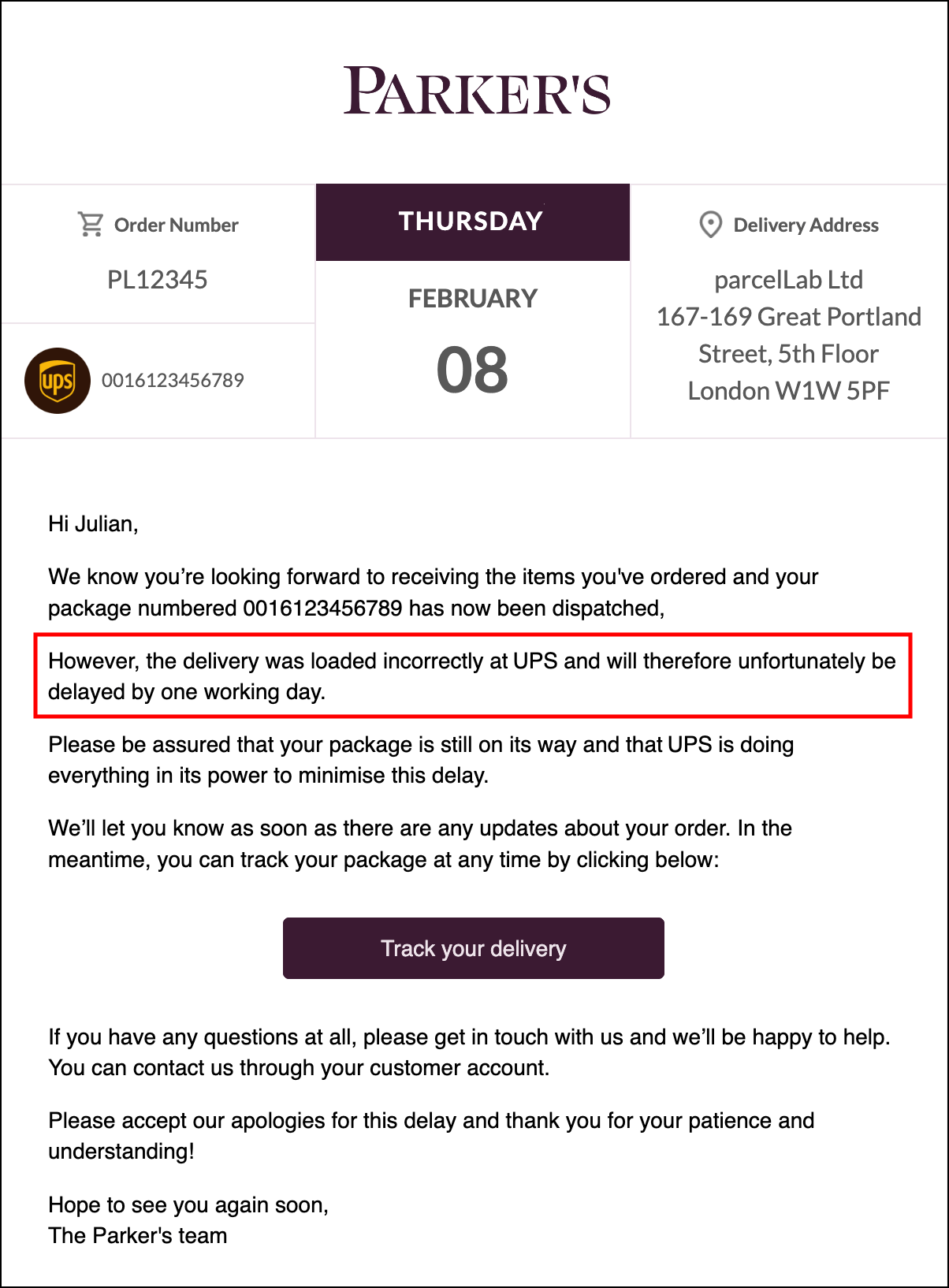
Use conditional placeholders to design communication customized for your brand and tailored for your customers at every step of the post-purchase journey.
## Overview
You can define the content of your post-purchase communication in the space.vars.Product\_App. Placeholders are used in email templates and messages to populate variable content elements by referencing data in the parcelLab system. Leveraging on the flexibility of this feature enables you to personalize your customer communication and provide relevant information to your customers at each stage in their post-purchase journey.
You can review and edit placeholders for each message type within the HTML templates in the space.vars.Product\_App.
parcelLab has a set of defined placeholders that are used in the setup of your communications. These include but are not limited to the following content types:
* Shop information (for example: the name of your shop, the identifier for a specific brand)
* Recipient information (for example: the recipient’s delivery address, contact information)
* Salutations (for example: first and last names, formal salutations)
* Parcel or shipment information (for example: carrier’s name, order number, tracking number, announced delivery date)
* [List of purchased products](/docs/engage/messages-and-journeys/overview/article-lists.md)
* Links to your space.vars.Product\_OrderStatus and your carrier’s tracking page
* Pickup information (for example: the maximum duration a parcel is stored at a pickup location)
* Rating and feedback options (for example: [Net Promoter Score](/docs/engage/messages-and-journeys/overview/parcellab-nps.md) surveys) and [links to trust platforms](/docs/engage/messages-and-journeys/overview/trust-platforms.md)
* Links to your social media accounts
* Displaying additional information under certain circumstances (for example: if a parcel is delayed and the reason is provided by the carrier)
After you have set up your message types with the desired content placeholders, test communications can be sent to ensure success before going live. For further information on testing messages, please contact your parcelLab representative.
Further customization of email templates and messages can be achieved using special placeholders. For more information, see our special placeholders documentation.
{% content-ref url="/pages/-LPgPaQZa3ZpK0cXwYDI" %}
[Special Placeholders](/docs/engage/messages-and-journeys/configuration/conditional-placeholders/special-placeholders.md)
{% endcontent-ref %}
## Configuring Conditional Placeholders
The following section describes the configuration required for using conditional placeholders to design your post-purchase email communication.
### Customer Requirements
For the feature to work, you need to provide the following:
* Order information through any of our available [data integration methods](/docs/platform/data-integration.md)
* Checkpoint data from your carriers
* Copy and content for each type of email to be configured
## Using Conditional Placeholders
For more information on how this feature supports your use of parcelLab, please refer to the following articles listed.
Conditional Placeholders support the following features:
* [Standard Email Communication](/docs/engage/messages-and-journeys/overview.md#overview)
* [Click and Collect](/docs/engage/messages-and-journeys/overview/click-and-collect.md)
* [Split Shipments](/docs/engage/messages-and-journeys/configuration/split-shipments.md)
* [Returns Communication](/docs/retain/returns-communication.md)
Using Conditional Placeholders supports the following use cases:
* [Untracked Deliveries](/docs/engage/messages-and-journeys/overview/untracked-deliveries.md)
* [Opt-in Management](/docs/engage/messages-and-journeys/overview/opt-in-management.md) and [Segmentation](/docs/engage/messages-and-journeys/overview/segmentation.md)
For help getting started with including placeholders in your messages, see our placeholder examples.
{% content-ref url="/pages/plz7KAQAAXEGnDhQ3nBa" %}
[Placeholder Examples](/docs/engage/messages-and-journeys/configuration/conditional-placeholders/placeholder-examples.md)
{% endcontent-ref %}
---
# Agent Instructions
This documentation is published with GitBook. GitBook is the documentation platform designed so that both humans and AI agents can read, navigate, and reason over technical content effectively. Learn more at gitbook.com.
## Querying This Documentation
If you need additional information that is not directly available in this page, you can query the documentation by asking a question.
Perform an HTTP GET request on the following URL with the `ask` and `goal` query parameters:
```
GET https://docs.parcellab.com/docs/engage/messages-and-journeys/configuration/conditional-placeholders.md?ask=&goal=
```
`ask` is the immediate question: it should be specific, self-contained, and written in natural language.
`goal` is what the user is ultimately trying to achieve, the reason they need the answer. Sharing it helps GitBook give you a better, more relevant answer. A goal is most helpful when it describes the outcome the user wants rather than restating the question. For example, with `ask=how do I create an API token`, a goal like `automate deployments from our CI pipeline` lets GitBook tailor the answer to that use case.
The response will contain a direct answer to the question and relevant excerpts and sources from the documentation.
Use this mechanism when the answer is not explicitly present in the current page, you need clarification or additional context, or you want to retrieve related documentation sections.