# Placeholder Examples

## Overview

You can use placeholders in email messages to populate variable content elements by referencing data in the parcelLab system that enables you to design communication tailored for your customers.

## Placeholders List

parcelLab has a set of defined placeholders to use in the setup of your email communication. Some examples of the available placeholders are described in the following sections.

### Shop Information

Example placeholders related to your shop are described in the following table.

<table data-full-width="false"><thead><tr><th>Placeholder</th><th width="179">Description</th><th>Example</th></tr></thead><tbody><tr><td>{{shopName}}</td><td>Name of the shop.</td><td>Parker's</td></tr><tr><td>{{shopUrl}}</td><td>The URL of your shop.</td><td>https://weareparkers.com</td></tr><tr><td>{{highlightColor/client}}</td><td>Main color used by the shop in the branding of messages.</td><td>#3B1932</td></tr><tr><td>{{generated/voucher}}</td><td>Voucher code for the shop (for example: used in the case of delays). You can upload a voucher code in a file in the Admin module in the App.</td><td>PARKERS20%OFF</td></tr></tbody></table>

### Recipient Information

Example placeholders related to recipients are described in the following table.

| Placeholder                                  | Description                                                                                                     | Example                |
| -------------------------------------------- | --------------------------------------------------------------------------------------------------------------- | ---------------------- |
| {{recipient\_notification}}                  | Name of the recipient used in notifications. Usually recipient first and last name.                             | Julian Krenge          |
| {{street}}                                   | Street of the delivery address.                                                                                 | 75 State Street        |
| {{zip\_code}}                                | Zip code of the delivery address.                                                                               | 02109                  |
| {{city}}                                     | City of the delivery address. It also returns the state abbreviation if applicable (that is: for US addresses). | Boston, MA             |
| {{city/no-state}}                            | City of the delivery address only.                                                                              | Boston                 |
| {{country}}                                  | Country of the delivery address.                                                                                | USA                    |
| {{destination\_country\_iso3}}               | ISO 3166-1 alpha 3 destination country of delivery.                                                             | USA                    |
| {{destination\_country\_iso3/billing\_info}} | ISO 3166-1 destination country of the billing address.                                                          | CAN                    |
| {{email/non-clickable}}                      | Email address of the recipient                                                                                  | <julian@parcellab.com> |

### Carrier Information

Example placeholders related to carriers are described in the following table.

| Placeholder                     | Description                                                                                                                                                             | Example                                                                                     |
| ------------------------------- | ----------------------------------------------------------------------------------------------------------------------------------------------------------------------- | ------------------------------------------------------------------------------------------- |
| {{courier}}                     | parcelLab carrier code.                                                                                                                                                 | dhl-germany                                                                                 |
| {{courier/pretty}}              | Name of the carrier                                                                                                                                                     | DHL                                                                                         |
| {{destinationCourier/pretty}}   | Name of the last mile carrier in case of a carrier change during shipping.                                                                                              | UPS                                                                                         |
| {{plMessage/locale}}            | Message in the scan of the carrier as matched with our status model.                                                                                                    | Scheduled                                                                                   |
| {{courierDeepLinkURL/locale}}   | Link to the carrier’s tracking page. Can also be used to change delivery options when reroute is not available.                                                         | <https://www.dhl.com/gb-en/home/tracking.html>                                              |
| {{courierRerouteButton/locale}} | "Rearrange delivery" button in the highlight color of the shop with rounded corners that navigates to the carrier page allowing the shopper to modify delivery options. | <img src="/files/ugdkL6OJs9WHs7dwSqu7" alt="Rearrange delivery btton" data-size="original"> |
| {{date/next-courier-work-day}}  | Next working date of the carrier.                                                                                                                                       | 02/07/2024                                                                                  |

### Parcel/Shipment Information

Example placeholders related to parcel and shipments are described in the following table.

| Placeholder                   | Description                                                                                                                                                                                                                                                                | Example                                                                                                     |
| ----------------------------- | -------------------------------------------------------------------------------------------------------------------------------------------------------------------------------------------------------------------------------------------------------------------------- | ----------------------------------------------------------------------------------------------------------- |
| {{orderNo}}                   | Order number.                                                                                                                                                                                                                                                              | PK1004                                                                                                      |
| {{orderNo/non-clickable}}     | Order number displayed in plain text (that is: to avoid being interpreted as a phone number and turned clickable).                                                                                                                                                         | PK1004                                                                                                      |
| {{tracking\_number}}          | Tracking number.                                                                                                                                                                                                                                                           | PK1234567890                                                                                                |
| {{warehouse}}                 | Warehouse from where the delivery was shipped.                                                                                                                                                                                                                             | Parker's Fulfilment Center                                                                                  |
| {{plNextAction/locale}}       | Next action status that is required for the delivery.                                                                                                                                                                                                                      | Scheduled                                                                                                   |
| {{date/full}}                 | Current date.                                                                                                                                                                                                                                                              | 01/07/2024                                                                                                  |
| {{date/short}}                | Current day and month.                                                                                                                                                                                                                                                     | 01/07                                                                                                       |
| {{date/year}}                 | Current year.                                                                                                                                                                                                                                                              | 2024                                                                                                        |
| {{date/day}}                  | Current day.                                                                                                                                                                                                                                                               | 01                                                                                                          |
| {{announced\_delivery\_date}} | Announced delivery date.                                                                                                                                                                                                                                                   | Monday 1 July 2024                                                                                          |
| {{plSpecifics/locale}}        | Date and delivery time window of scheduled window with delivery instructions, such as neighbor name, if provided.                                                                                                                                                          | On Monday 01/07/2024, between 12:00 and 18:00                                                               |
| {{trackingButton}}            | "Track your delivery" button in the highlight color of the shop with rounded corners that navigates to parcelLab’s Order Status page.                                                                                                                                      | <img src="/files/E9Q0wIpe2wxSMHs4KmAf" alt="Track your delivery button" data-size="original">               |
| {{trackingUrl}}               | URL of the Order Status page for usage with own HTML (that is: buttons, links or similar events).                                                                                                                                                                          | <https://www.delivery-status.com/?courier=ups\\&trackingNo=PK1004\\&lang=en>                                |
| {{articlesTableWithImages}}   | Article list of items with images.                                                                                                                                                                                                                                         | <img src="/files/Gu5Kn4cLr7zCbdKPWFdx" alt="Article list table with items and images" data-size="original"> |
| {{tinyArticlesList}}          | Article list of items only.                                                                                                                                                                                                                                                | <ul><li>1x AP-OU-BOD-2312: Olive Denim Jacket</li><li>1x AP-SH-BRL-2313: Red Leather Boots</li></ul>        |
| {{plMap/locale}}              | Maps integration with the address of the pickup point and opening hours.                                                                                                                                                                                                   | <img src="/files/I8FRn2xWCAkB5SApD2jp" alt="Map integration of pickup point location" data-size="original"> |
| {{generated/opening-hours}}   | Opening hours of the pickup point.                                                                                                                                                                                                                                         | <p>Opening hours<br>Monday-Saturday: 08:00-22:00<br>Sunday: 09:00-20:00</p>                                 |
| {{storageTime/courier}}       | Total storage time at the pickup point.                                                                                                                                                                                                                                    | 7 working days.                                                                                             |
| {{maxStorageTime/courier}}    | Maximum time a shipment will be stored at the pickup point.                                                                                                                                                                                                                | 7 workings days.                                                                                            |
| {{lastStorageDate/courier}}   | Latest storage date before a shipment will be returned to the warehouse.                                                                                                                                                                                                   | Wednesday 24 July                                                                                           |
| {{preview}}                   | The preview text displayed by all established email programs before the user has opened the email. Smartphones often display this preview in the notification.                                                                                                             | <p>Parker’s Order PK1004.</p><p>Your order has been collected by UPS and you can now track it.</p>          |
| {{Dispatched/gif}}            | Carrier GIF for a package that’s been dispatched. The carrier is automatically used based on the current shipment. For further information, see [the current list of supported carriers](/docs/engage/messages-and-journeys/overview/visual-enhancements.md#carrier-gifs). | <img src="/files/-LaExgAu7pxbblRL-qFh" alt="Dispatched carrier GIF" data-size="original">                   |
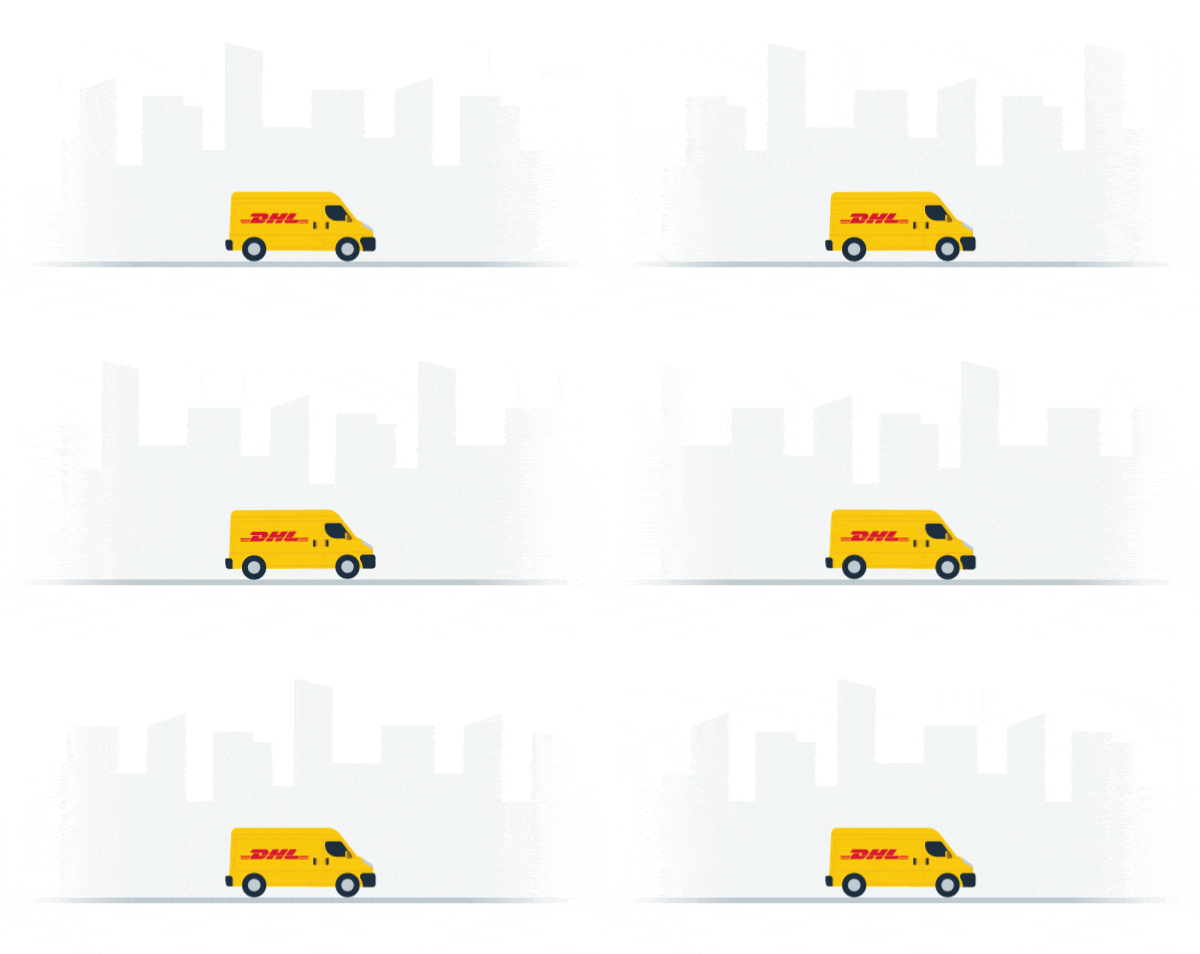
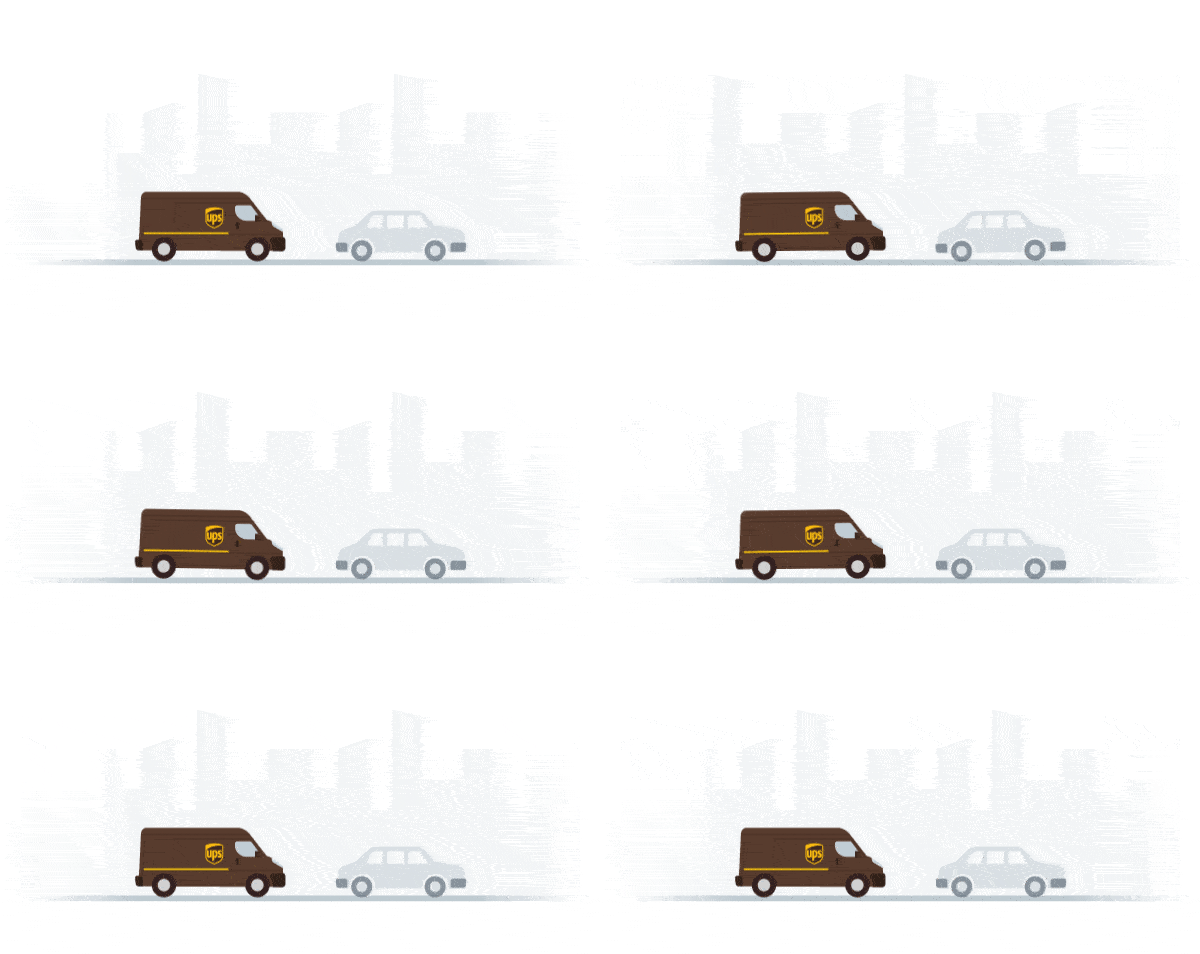
| {{Delayed/gif}}               | Carrier GIF for a package that’s been delayed. The carrier is automatically used based on the current shipment. For further information, see [the current list of supported carriers](/docs/engage/messages-and-journeys/overview/visual-enhancements.md#carrier-gifs).    | <img src="/files/-LaExqoCPpshjdRJOFsM" alt="Delayed carrier GIF" data-size="original">                      |

| {{Delivered/gif}}             | Carrier GIF for a package that’s been delivered. The carrier is automatically used based on the current shipment. For further information, see [the current list of supported carriers](/docs/engage/messages-and-journeys/overview/visual-enhancements.md#carrier-gifs).  | <img src="/files/-LaExyKJwXHYRl-rOQHF" alt="Delivered carrier GIF" data-size="original">                    |

## Conditional Placeholders

You can use conditional placeholders to display specific content based on relevant values. The following types of conditional placeholders can be used:

* The “if is” condition using the `IF` and `ENDIF` conditional elements display as {{#placeholder}}content{{/placeholder}} in the HTML editor.
* The “if is not” condition using the `UNLESS` and `ENDUNLESS` conditional elements display as {{!placeholder}}content{{|placeholder}} in the HTML editor.

Examples of conditional placeholders that can be used in emails are described in the following table.

| Placeholder                                                                                                                                                                                       | Description                                                                                                                                                                                                                  |
| ------------------------------------------------------------------------------------------------------------------------------------------------------------------------------------------------- | ---------------------------------------------------------------------------------------------------------------------------------------------------------------------------------------------------------------------------- |
| <p>{{#isESP/boolean}content{{/isESP/boolean}}<br>{{!isESP/boolean}content{{/isESP/boolean}}</p>                                                                                                   | To display specific content for a country with the country ISO Alpha 3 code (for example: ESP for Spain).                                                                                                                    |
| <p>{{#courier=dhl-germany}}content{{/courier=dhl-germany}}<br>{{!courier=dhl-germany}}content{{/courier=dhl-germany}}</p>                                                                         | To display specific content for a carrier with the carrier code (for example: dhl-germany for DHL Germany).                                                                                                                  |
| <p>{{#articles}}content{{/articles}}<br>{{!articles}}content{{/articles}}</p>                                                                                                                     | To display specific content if articles are present in the tracking.                                                                                                                                                         |
| <p>{{#expected}}content{{/expected}}<br>{{!expected}}content{{/expected}}</p>                                                                                                                     | To display specific content if the shipment is expected by the carrier.                                                                                                                                                      |
| <p>{{#incomplete}}content{{/incomplete}}<br>{{!incomplete}}content{{/incomplete}}</p>                                                                                                             | To display specific content if the shipment is a partial delivery.                                                                                                                                                           |
| <p>{{#complete}}content{{/complete}}<br>{{!complete}}content{{/complete}}</p>                                                                                                                     | To display specific content if the shipment is complete.                                                                                                                                                                     |
| <p>{{#hasMultipleDeliveriesInOrder/system}}content{{/hasMultipleDeliveriesInOrder/system}}<br>{{!hasMultipleDeliveriesInOrder/system}}content{{/hasMultipleDeliveriesInOrder/system}}</p>         | To display specific content if there is more than one delivery for an order (that is: for split shipments).                                                                                                                  |
| <p>{{#areAllTrackingsDispatched/system}}content{{/areAllTrackingsDispatched/system}}content<br>{{!areAllTrackingsDispatched/system}}content{{/areAllTrackingsDispatched/system}}content</p>       | To display specific content if all trackings in an order are dispatched.                                                                                                                                                     |
| <p>{{#areAllTrackingsDelivered/system}}content{{/areAllTrackingsDelivered/system}}content<br>{{!areAllTrackingsDelivered/system}}content{{/areAllTrackingsDelivered/system}}content</p>           | To display specific content if all trackings in an order are delivered.                                                                                                                                                      |
| <p>{{#plNextAction/system=NewAttemptNextDay}}content{{/plNextAction/system=NewAttemptNextDay}}<br>{{!plNextAction/system=NewAttemptNextDay}}content{{/plNextAction/system=NewAttemptNextDay}}</p> | To display specific content if the next action is transmitted by the carrier. Instead of our standard which is displayed through {{plNextAction/locale}}. Can also be used for: NewAttemptToday, PickUpReady, and Scheduled. |
| <p>{{#plException=AddressIssue/system}}content{{/plException=AddressIssue/system}}<br>{{!plException=AddressIssue/system}}content{{/plException=AddressIssue/system}}</p>                         | To display specific content if a delay reason is provided by the carrier. Works with any delay reason defined in the system (for example: TimeIssue, Misrouted, and LackSpace).                                              |
| <p>{{#returnReason=AddressIssue/reporting}}content{{/returnReason=AddressIssue/reporting}}<br>{{!returnReason=AddressIssue/reporting}}content{{/returnReason=AddressIssue/reporting}}</p>         | To display specific content if a return reason is provided by the carrier. Works with any return reason defined by the function guessReturnReason (for example: CustomerRefusal, NotCollected, Damaged, and Recall)          |

## Message-Specific Placeholders

You can include message-specific placeholders from the message settings and the list of placeholders in the HTML editor for a message.

Examples of message-specific placeholders that can be used in emails are described in the following table.

| Placeholder                     | Description                                                      | Example                                                                                                     |
| ------------------------------- | ---------------------------------------------------------------- | ----------------------------------------------------------------------------------------------------------- |
| {{showArticlesTableWithImages}} | Article list of items with images.                               | <img src="/files/Gu5Kn4cLr7zCbdKPWFdx" alt="Article list table with items and images" data-size="original"> |
| {{showUpdateRearrange2col}}     | Content block to allow customers to rearrange their delivery.    | <img src="/files/KTd3DEEBW43cLEk7CUCk" alt="Options to rearrange the delivery" data-size="original">        |
| {{showOrderInfo2col}}           | Display the order information in a two-column layout.            | <img src="/files/TcNHksRZbKwoISG1LK9g" alt="Two-column layout of order information" data-size="original">   |
| {{showOrderInfo3col}}           | Display the order information in a three-column layout.          | <img src="/files/Zu8aW0Yi8z3LJGb14RVk" alt="Three-column layout of order information" data-size="original"> |
| {{showRatingWidget}}            | Display a rating widget in the email content to gather feedback. | <img src="/files/6sWvkv416Jao634SPqA3" alt="Rating widget" data-size="original">                            |


---

# Agent Instructions: Querying This Documentation

If you need additional information that is not directly available in this page, you can query the documentation dynamically by asking a question.

Perform an HTTP GET request on the current page URL with the `ask` query parameter:

```
GET https://docs.parcellab.com/docs/engage/messages-and-journeys/configuration/conditional-placeholders/placeholder-examples.md?ask=<question>
```

The question should be specific, self-contained, and written in natural language.
The response will contain a direct answer to the question and relevant excerpts and sources from the documentation.

Use this mechanism when the answer is not explicitly present in the current page, you need clarification or additional context, or you want to retrieve related documentation sections.
