
Returns Portal v1
Configure a Returns Portal in your shop that provides a streamlined returns process for your customers.
Setting Up the Returns Portal
1. Add the snippet to your website
<div id="pl-returns-plugin"
  data-user="{{your parcellab user id here}}"
  data-lang-code="{{lang code of your current shop site e.g. de}}"
  data-country-code="{{country code of your current shop site e.g. ch}}"
  data-scroll="off">
</div>
<script src="//returns.parcellab.com/dist/returns-plugin.js" async="true"></script>
<script>(function () {/* Load default styles ... */if(!document.getElementById("pl-returns-portal-styles")){var styles=document.createElement("link");styles.id="pl-returns-portal-styles";styles.rel="stylesheet";styles.href="//returns.parcellab.com/dist/returns-plugin.css";document.getElementsByTagName("head")[0].appendChild(styles)}})();</script>
2. Modify the data settings
Data Element
Description
Example
3. Style the widget
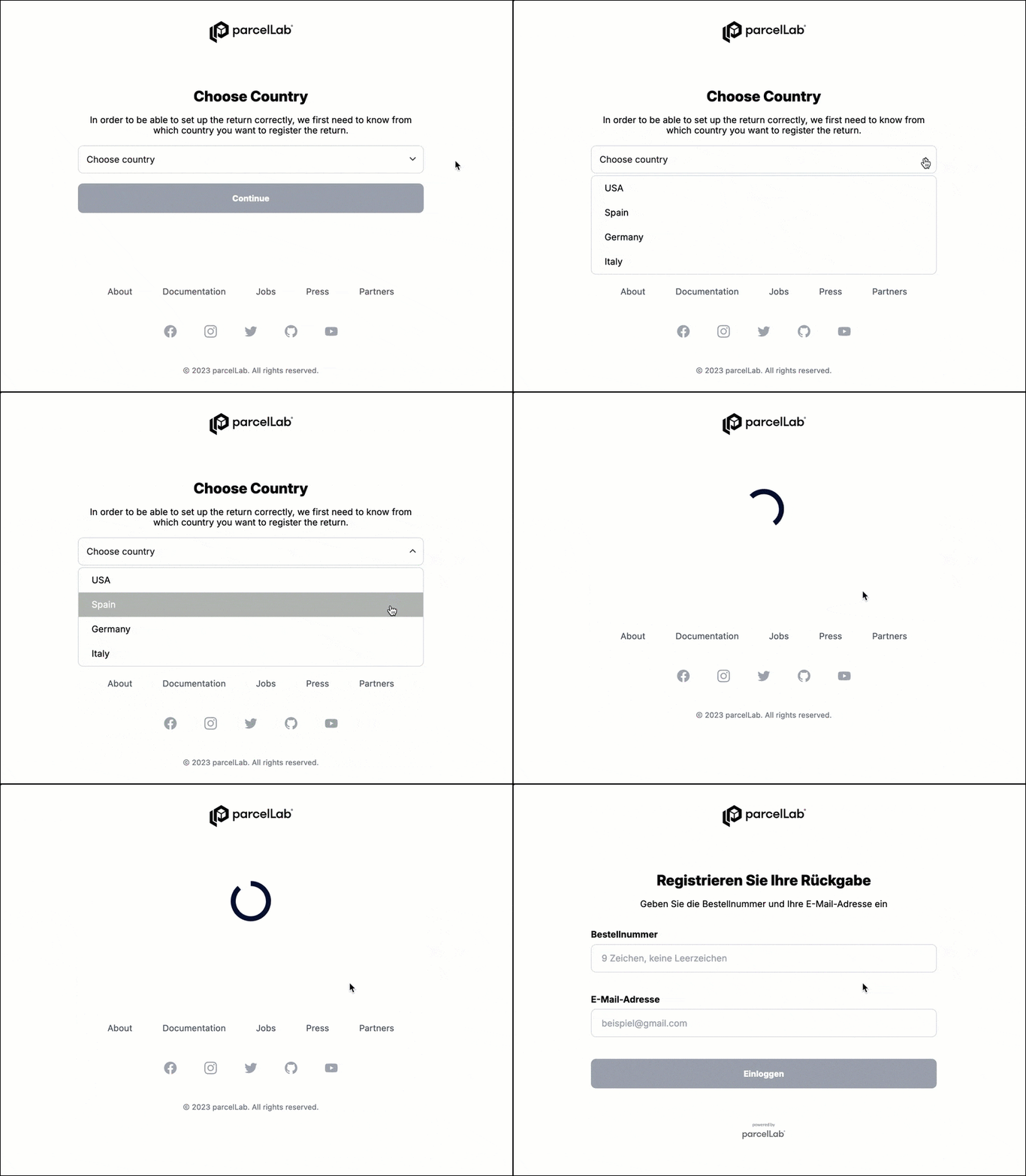
Configuring Global Returns Portal Selection
Last updated
Was this helpful?